Custom web application development for the software your business still runs on.
We modernize older software your team depends on, rebuild aging web apps on current, secure technology, and build the custom tools, scripts and plugins the work calls for.
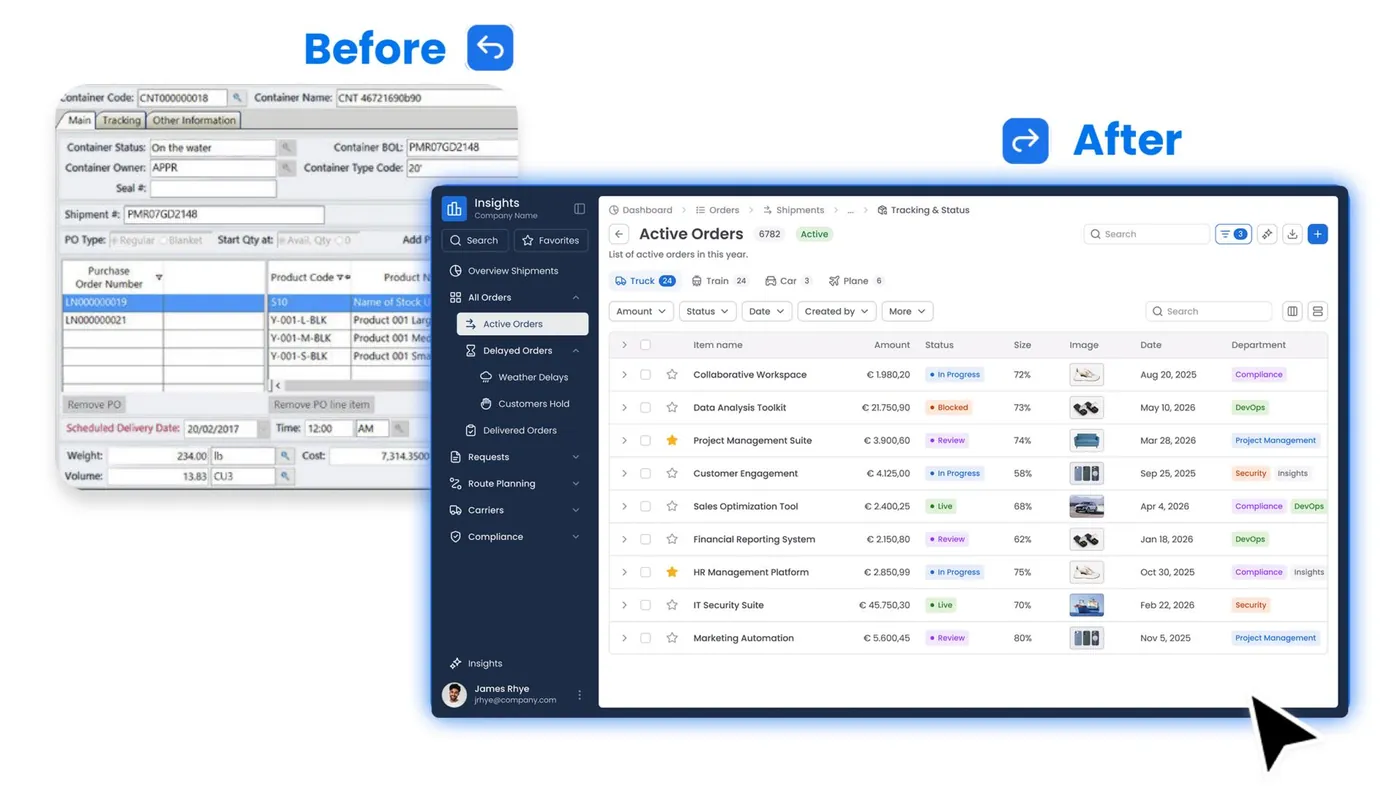
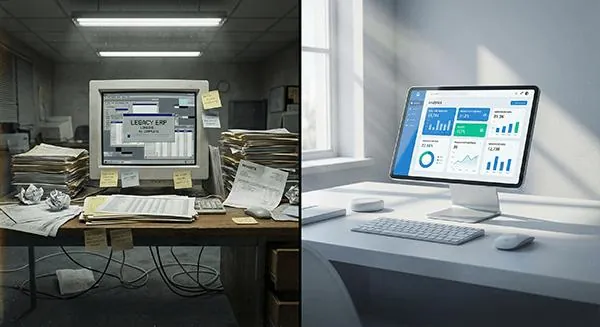
Plenty of well-run firms still depend on a program someone wrote years ago. It holds the client records, produces the reports and keeps the schedule. It still works, mostly. But the person who built it is long gone, it only runs on one machine, and nobody wants to be the one who breaks it. Our custom web application development work starts there: we find out what the old system really does, then help you move it to something modern, web-based and maintained.
Older software tends to get left alone because it still does its job. The risk builds quietly. Updates stop, fewer people understand how it was built, and each year it gets harder to connect to the tools the rest of the firm uses. When something finally breaks, it usually breaks at a bad time.
Legacy modernization doesn’t have to mean a giant project. We help firms move the software they rely on onto current, secure technology that the team opens in a browser, keeping the data and the way of working that matter. We keep it practical and not too heavy: we’re a good fit for the system that runs one part of your business, not a company-wide replacement.
During the complimentary first conversation, we’ll look at what you have and tell you honestly whether it’s something we can take on.
You tell us what the system does and what worries you about it. We listen first, and we’re upfront if the job isn’t a fit for us.
We go through the screens, reports, data and the unwritten rules your staff follow, because older systems often do more than anyone remembers.
Sometimes the right answer is to secure and update what you have. Sometimes it’s to rebuild. We lay out the options plainly so you can choose.
We build the new version on current, maintained technology and move your data across, checking it against the old system as we go.
We plan the switch with you, show your team the new system, and stay on hand for updates and fixes afterward.
If the problem is a brochure website that is out of date or hacked, our repair service is the better starting point. This page covers the software side: the apps, data and scripts the business runs on.
If you’re replacing an enterprise system across many offices, with a large internal IT team and a long procurement process, a bigger firm will serve you better. We keep our application work to a size where we can stay close to it and explain every decision.
Often, yes. Age matters less than size and how well we can understand what the system does. If it’s too large or tangled for us, we’ll say so early.
Keeping your data is the point. We move it across, check it against the old system, and keep the old version available until you’re confident in the new one.
We start by finding out who can get in and what they can see. Depending on what we find, we add proper logins and user roles to the existing app or build security into a rebuild.
No. Often the safer path is one piece at a time, with the old system running alongside until the new one has proved itself.
Small programs that take a repetitive job off someone’s desk: moving data between systems, cleaning up exports, or producing a report that is currently put together by hand.
We can. We support and update the applications we build, so they don’t turn into the next old system nobody wants to touch.
Your first conversation is complimentary. Tell us what the software does and how your team uses it, and we’ll reply within 24 hours.
Prefer to call?
